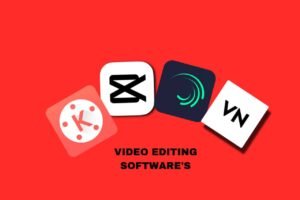
Best Professional software for video editing is designed to help creators produce high-quality, polished videos with precision and creative control. These tools offer advanced features like non-linear editing, color correction and grading, audio mixing, visual effects, and support for high-resolution formats. Used by filmmakers, YouTubers, and media professionals, the best video editing software ensures efficient workflows and industry-level results. Given below the best professional software for video editing
Best video editing softwares
CAPCUT
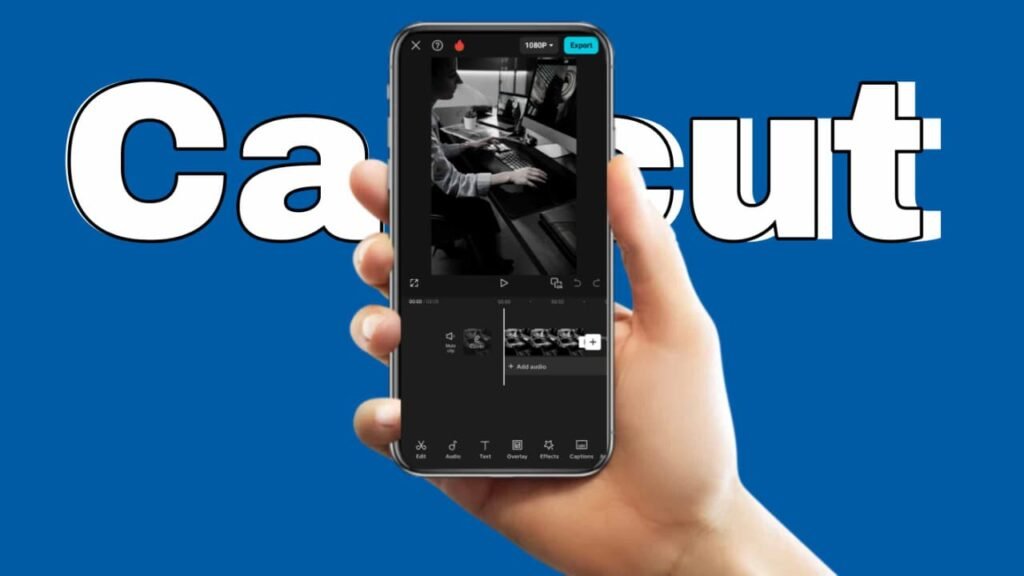
It has gained a lot of attention in the last few years as it is one of the more robust free editing applications to use with Instagram Reels as well as TikToks. In 2025, it’s loaded with AI-powered features such as auto-captioning, background removal, script-to-video creation along with smart edit templates that sync with current audio. These tools will allow you to make viral-ready content quickly.best professional software for video editing
However, there are crucial updates to be aware of prior to making CapCut your primary tool.
CapCut Pro Pricing:
The Pro subscription costs $19.99/month in a variety of regions which is an increase from the earlier $7.99-$9.99 levels. Cloud storage for free is no longer available and storage is now an additional fee (e.g. 10GB at $0.99/month, 100GB at $4.99/month).
Concerns about Content Rights CapCut’s updated terms of Service grant ByteDance broad rights to your content (including audio, visuals and likeness) even if you remove your account. This raises concerns for creators who do commercial or for client work.
Legal Issues:
CapCut was briefly banned in the U.S. in 2025 alongside TikTok and then reintroduced however, ByteDance is currently working on an distinct “CapCut U.S” version to comply with the regulations. This could lead to different features in features between U.S. and international users.best professional software for video editing
Competitors via Instagram: Meta is testing its own editing application, Instagram Edits which is directly competing with CapCut by providing templates, creative tools and information without having to leave Instagram.
.Pricing:
- Free version available
- CapCut Pro: $19.99/month (regional variations)
KineMaster

If you’re searching for an easy method to create a large amount of video videos, KineMaster, with its various video templates, can make this a breeze.You can use the app for free or even setting up an account. However, those who are serious about using it will probably want to purchase a membership.
Even with the free version we observed very few limitations, and the interface for editing is very elegant. An extremely well-designed creator and editor application that includes all the typical gestures for touch being supported completely.best professional software for video editing
.There’s an asset store if you want to download additional effects, tools such as transitions, effects, and more and many of these are available for free however, as you’d no likely expect, many of them are only available to members.If you want to export works, the sole limitation for free users is that your work be protected with a watermark
Your output’s quality won’t be limited to HD as similar apps offer. Instead you can go all the way to 4K for no cost. KineMaster is an outstanding video editing program that’s certainly worth exploring.best professional software for video editing
VN
Since I started looking through on the Google PlayStore for interesting new applications frequently It isn’t often that I come across a fantastic one that’s been in the market for quite some period of time. This happens on often, however, as the case of VN is a best example of this. VN was accessible for Android for nearly two decades (the PlayStore lists May 2018 as the date of release) at the time it finally came into my view in March 2020 when I was doing the usual searching in the search bar for “video editors” on the PlayStore best professional software for video editing
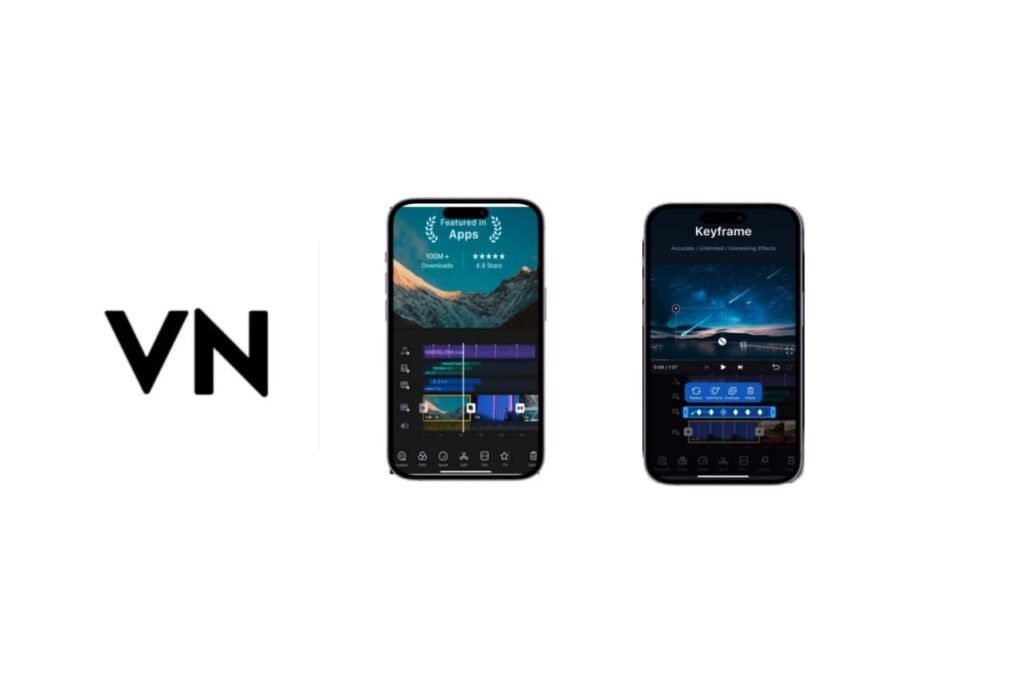
VN is a mighty video editor that comes with a powerful collection of sophisticated tools and a user interface that’s simple, clear and simple to understand. It comes with the option of a multi-layer timeline and support for various aspect ratios like 16:9, 9:16 and 1:1. 21.9 and voice over recording. transparency using png graphics, keyframing for graphic objects (not audio however, but you can choose an easy fade out or in)
basic exposure and color correction as well as a solid title tool with export options that support resolutions up to UHD/4K resolution, frame rate (including PAL frame rates) and bitrate.Also, VN is currently the only of the mobile video editing programs that has a specialized and easy-to-use speed-ramping tool that can be beneficial when modifying a clip with regard to playback speed.best professional software for video editing
It’s also fantastic that it allows you to move videos between the tracks but the interface isn’t as simple than Adobe Premiere Rush in that aspect since you don’t drag and drop them, you need to click to click the “Forward/Backward” button. Once you’ve figured out how to use it, it’s a breeze. While other apps may offer some features or even two, VN has a massive benefit: It’s free, with no one-time cost,
no subscription and no watermark. You must watch the full-screen advertisement for 5 seconds before you launch the app, and then remove the “Directed by” bumper clip from each project’s timeline however, it’s not that any issue according to me. In the past, you needed to sign up for an account on VN however it’s no longer required.best professional software for video editing
Is it going to remain completely free? In a conversation with VN on Twitter in the past I was told that the application is intended to remain free, but they may in the future introduce premium features or even content.
VN recently introduced the desktop version of the app available for macOS (no Windows yet) and also the possibility of transferring the project’s files from iOS or macOS. Although this is only available in the Apple ecosystem (and will require you to create an account with VN) however, more cross-platform integration may be in the near future. In all, VN is an absolutely fantasticbest professional software for video editing
and easy to access mobile video editor that is widely available on all Android phones (Android 5.0 and up) However, take note that based on the performance of the processor in your phone and processor, the number of video layers as well as the resolution for editing and exporting can differ.
ALIGHT MOTION
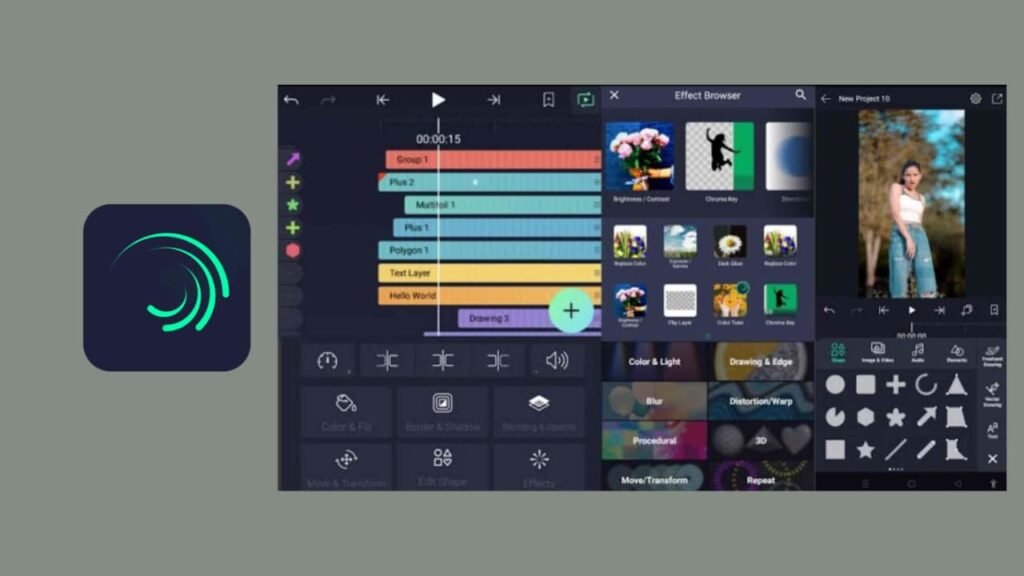
Alight Motion is an incredibly unique mobile application that has no comparable app at present. It is also possible to utilize it to stitch several ordinary video clips shot on your phone, it isn’t its primary goal. It is primarily focused on creating complex, multi-layered motion graphics designs you could consider it as a portable version Adobe After Effects. The power of the app lies in possibility of manipulating and keyframe an array of parameters (for instance, movement/position and size of the shape, color, etc.)best professional software for video editing
across different layers to produce complex and distinctive animations enhanced with a range of amazing effects sourced from a vast library. It takes some work to unlock the immense potential and power in the app. Flicking around with a lot of keyframes and parameters the small(ish) touchscreen can occasionally be a little difficult however the intuitive UI (designed by the very same developer who created KineMaster enjoyable to use) allows the user to make the process as easy and user-friendly as it gets on a smartphone.
The developers have also added effects presets in the latest update that should simplify the process for novices who may feel nervous about manually creating keyframes for parameters. The pre-designed templates for animations and graphics designed by the developers or other users will make the app much more accessible in the near future. Some are available, but not enough to make the case for the ardent users of apps such as the highly acclaimed but sadly gone Legend.
Alight Motion is certainly worth a look since you can create incredible things using it (like explainer videos and animated infographics) If you’re willing to take a little learning curve and commit some time. This is from someone who frequently abandons the effort to master Apple’s desktop motion graphics program Motion. Alight Motion is now the first program in this class in which I actually feel confident in the ropes – kind or at the very least
. A very unique feature is that you are able to make use of Alight Motion as a photo/still graphics editor, since it allows you to export the actual timeline frame to PNG, with or without transparency! The application is available for download for free, but for accessing certain features or export without watermarks, you need to sign up for an annual subscription, which currently costs approximately 28 euros per year or 4.49 on a monthly basis.best professional software for video editing
Video editing tips for beginners focus on building strong basics like clean cuts, smooth transitions, proper audio balance, and simple color correction. By organizing clips, avoiding overused effects, and maintaining a clear story flow, beginners can create professional-looking videos with ease.